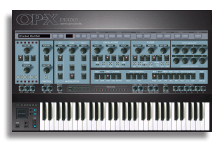
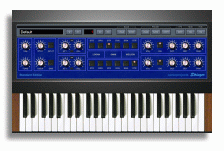
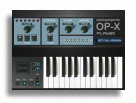
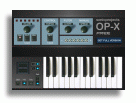
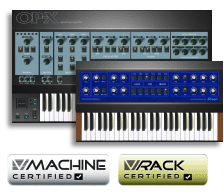
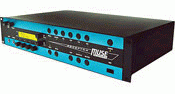
The available products are available for both Mac and PC in both 64bit and 32bit format. Please make sure your host supports the available formats:
OP-X PRO-II:
Windows: VST2 32bit, VST2 and VST3 64bit
Mac: VST3 and AU 32/64bit
Stringer:
Windows: VST2 32bit (older version 2.0), VST2 and VST3 64bit
Mac: AU 64bit
Protools RTAS and AAX aren't supported, but it should be possible
to use the plugins in Protools with meta-plugins like these:
Blue Cat PatchWork.
DDMF Metaplugin
For a free (at least almost free, minimum $2) Meta-Plugin you might check Kushview Element:
https://kushview.net/element/
You don't have a vst host? Here's a list of tested free vst hosts:
Recommended free vst hosts
Because we simply can't test all possible combinations of operating systems and
hosts we ask you for testing the plugins in your current configuration with the demo
versions before you buy.