OP-X PRO-3 Tutorial
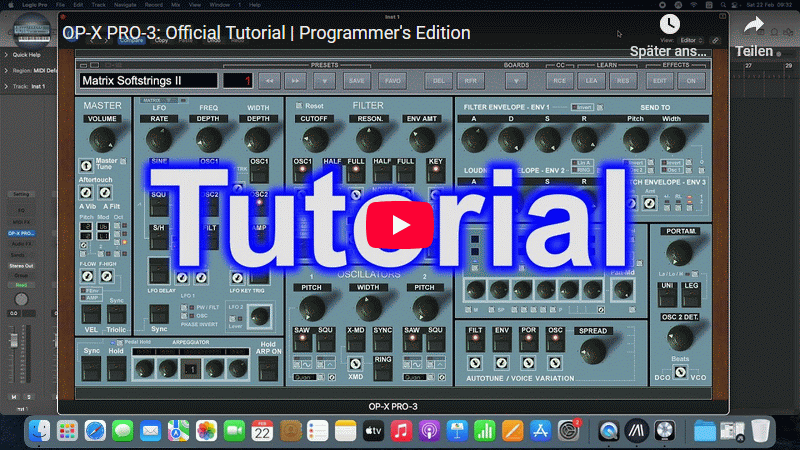
Official spoken 5h tutorial for
OP-X PRO-3.
Clicking the preview picture will open the turorial in YouTube.
Older non-spoken tutorial still featuring the classic version available here:
Classic Version Tutorial
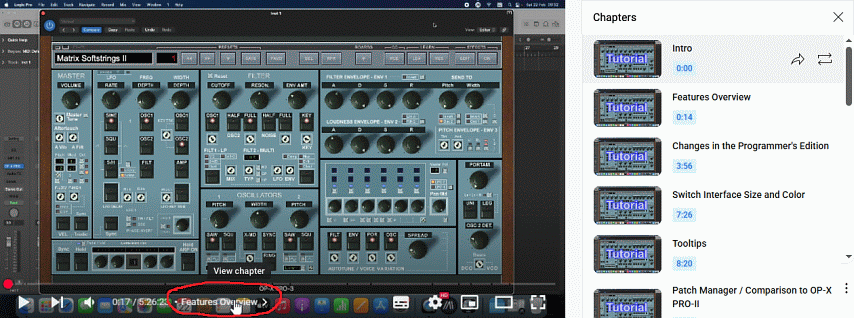
GUIDE FOR CHAPTERS AND SUBTITLES IN YOUTUBE:
Click on the current chapter name below the video to activate chapter view:
How to activate subtitles in your preferred language:
1. Click on the subtitles icon
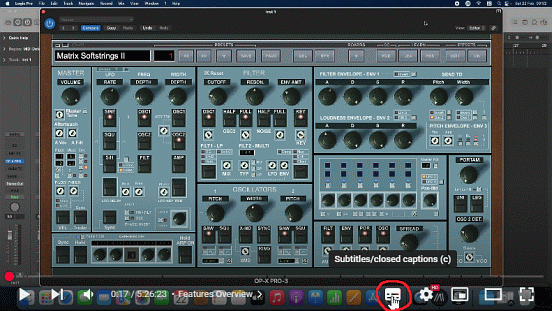
2. Subtitles in default english will be displayed now
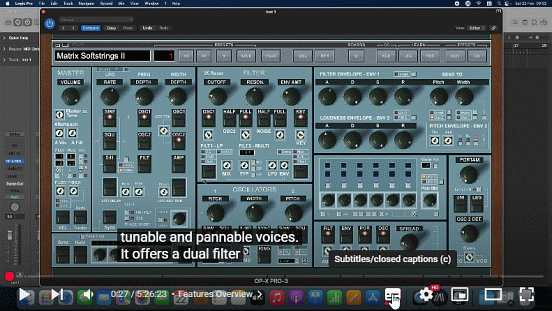
3. Click on the gear icon
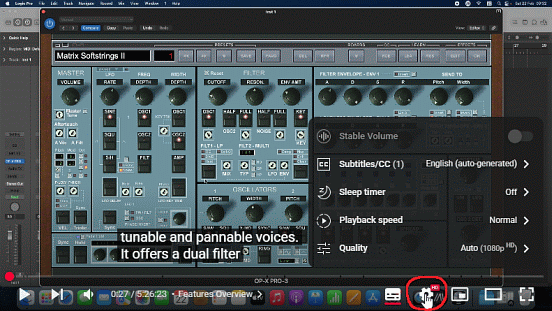
4. Click on Subtitles/CC
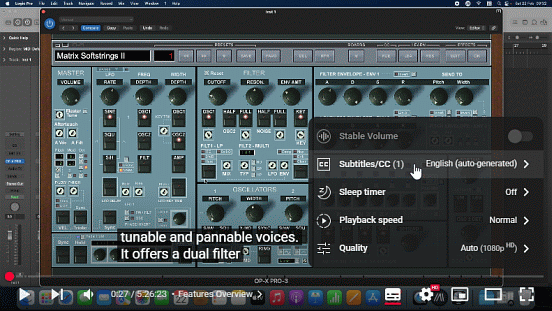
5. Click on auto translate
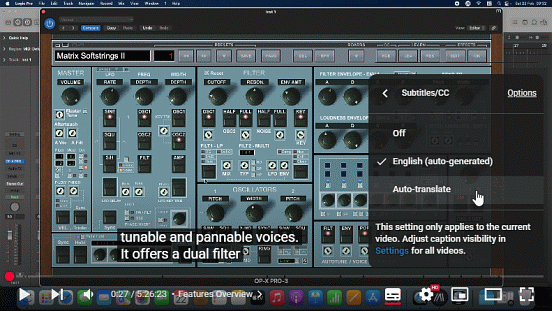
6. Choose your preferred language
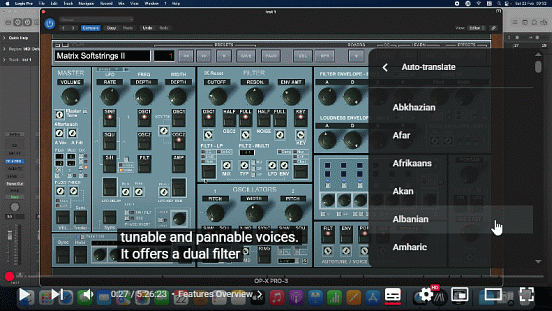
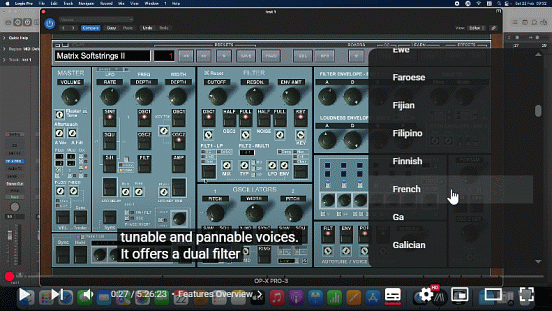
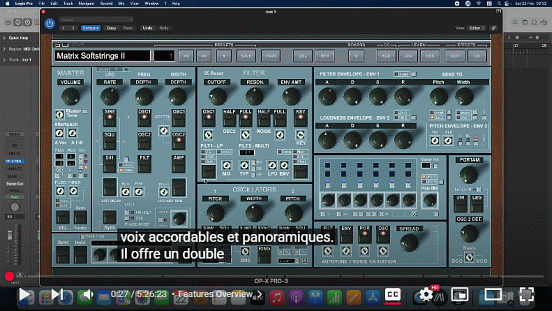
Done!
You can freely position the subtitles to where you prefer them to be by simply dragging them.
Note that the auto-generated subtitles aren't accurate and even funny at places. That's why we also did a full manual transcription correcting these oddities. For this choose the "English" version (so the one without "auto-generated").
Have much fun learning!
|